ImgMate
A downloadable tool for Windows and Linux
# ImgMate
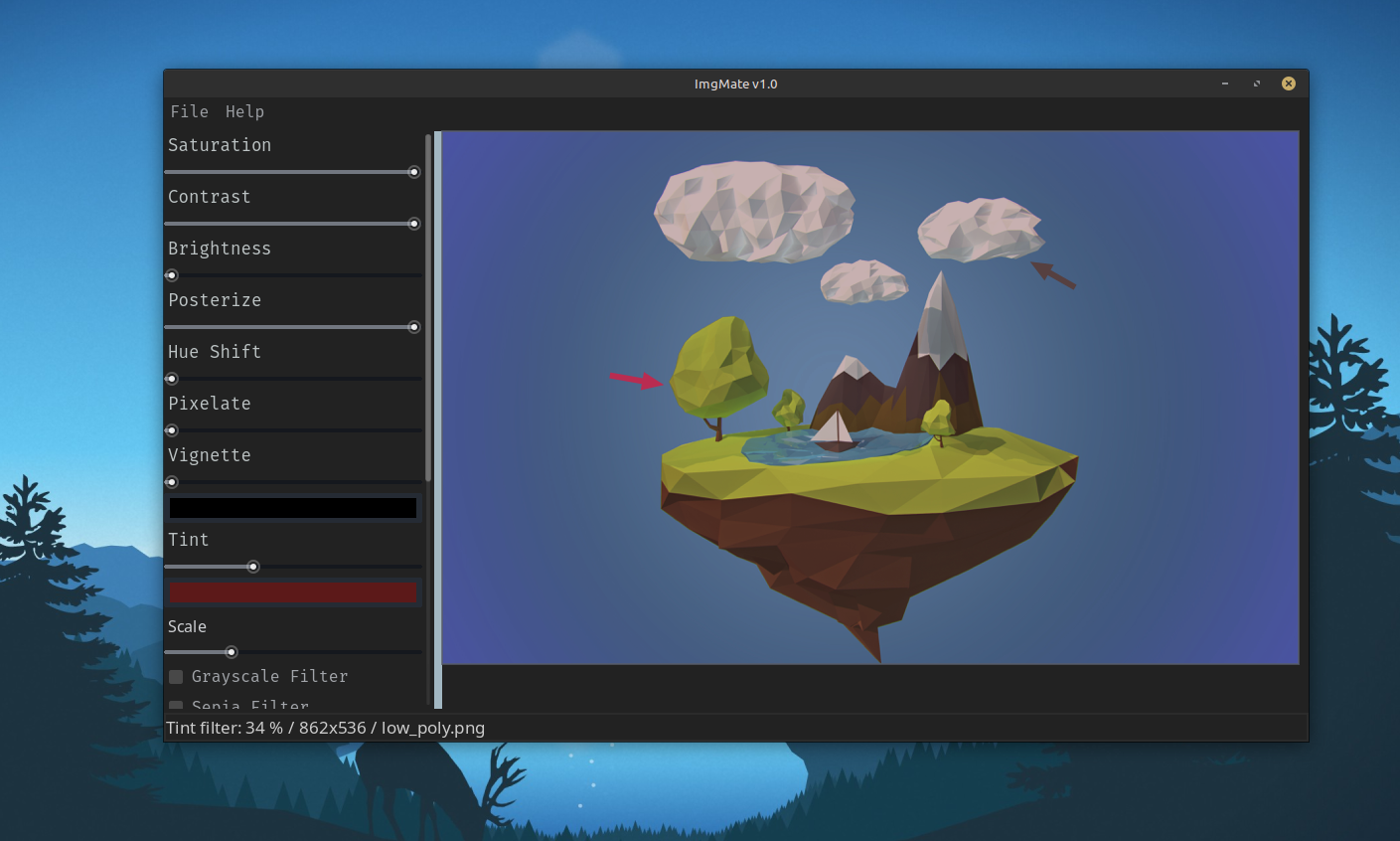
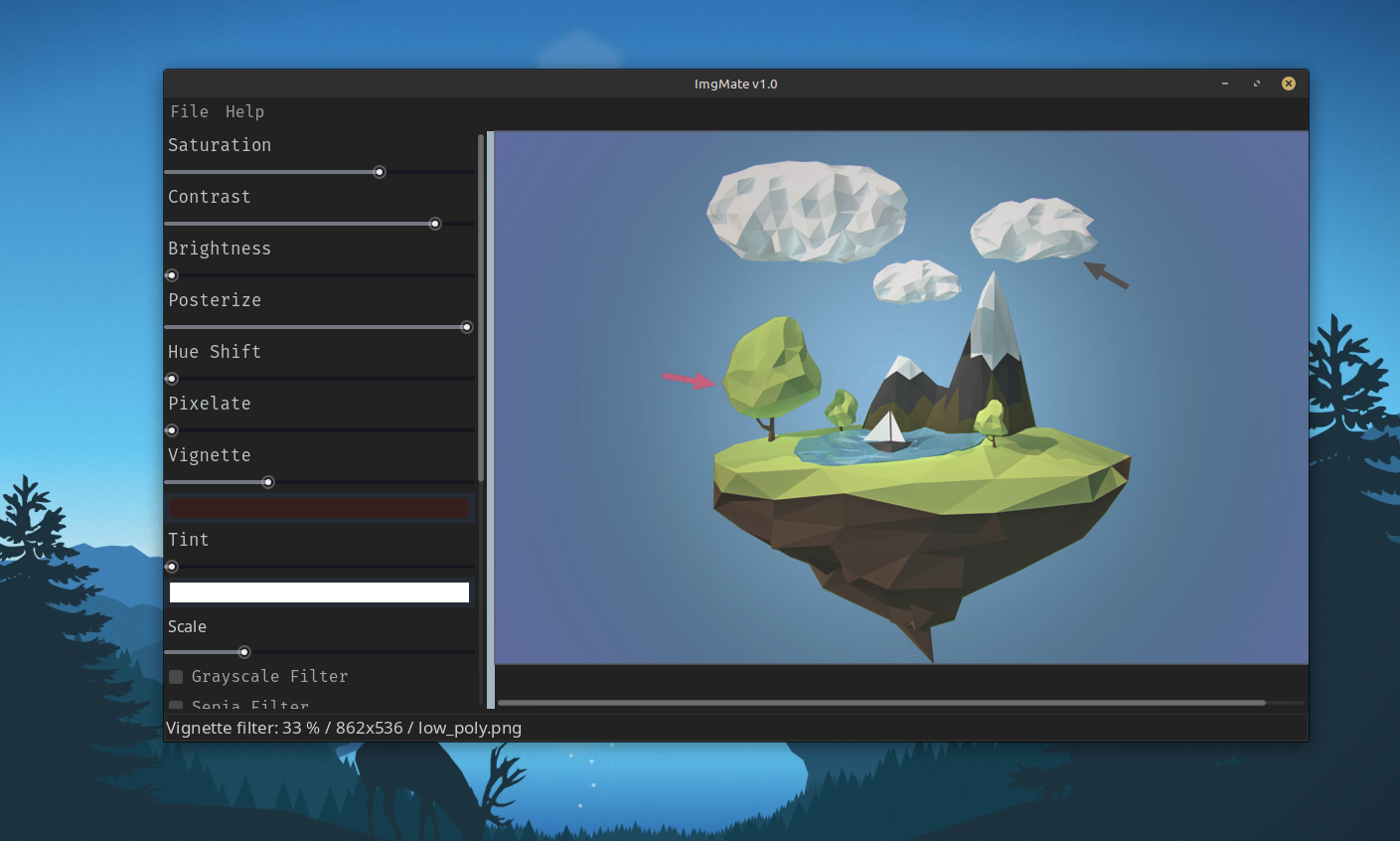
ImgMate is a lightweight, intuitive image editor built with Godot Engine 4.6.2.
Designed with a simple philosophy: the tool adapts to your workflow,
not the other way around.
## Features
- Image Editing – Open, edit, and save PNG and JPEG images
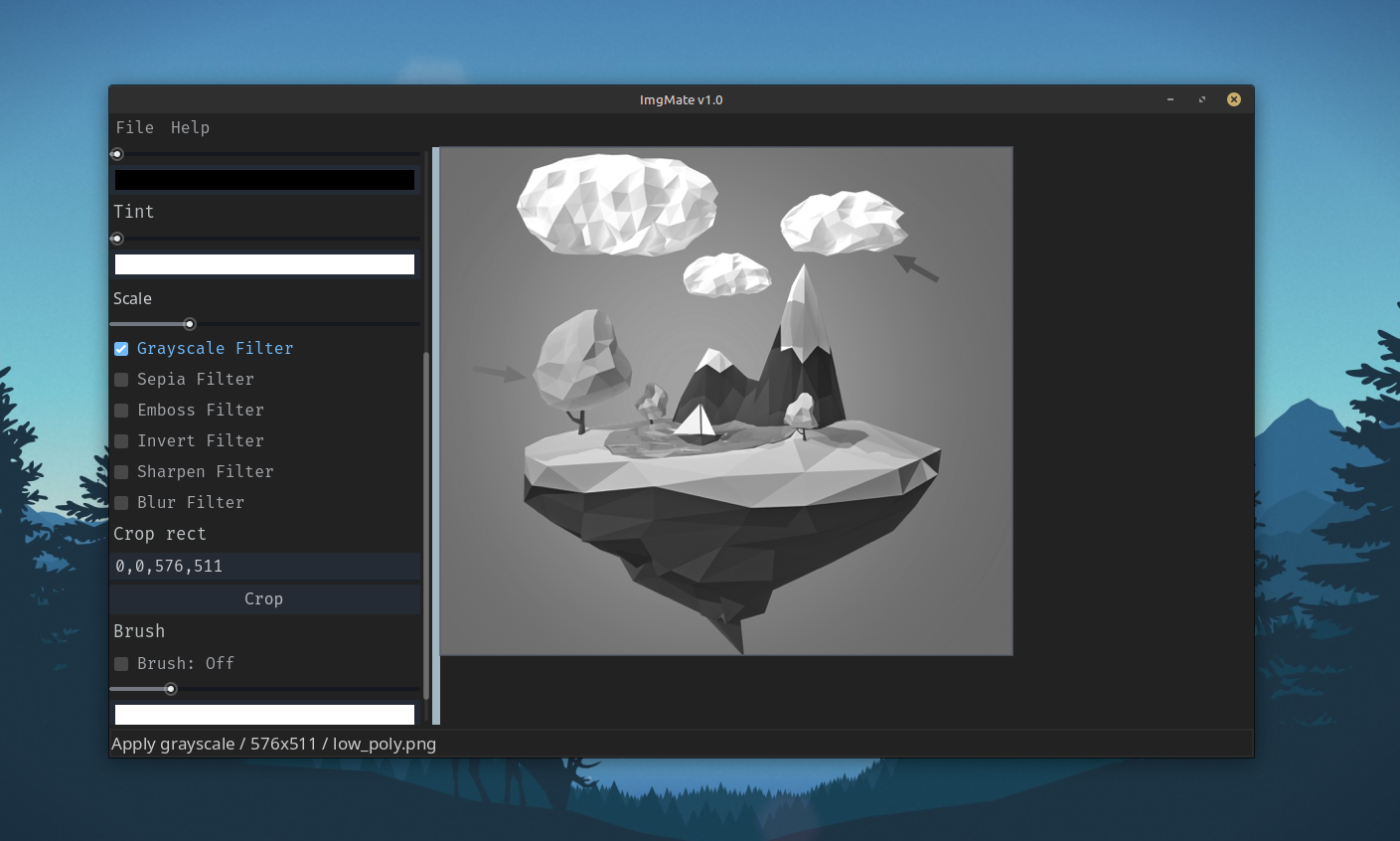
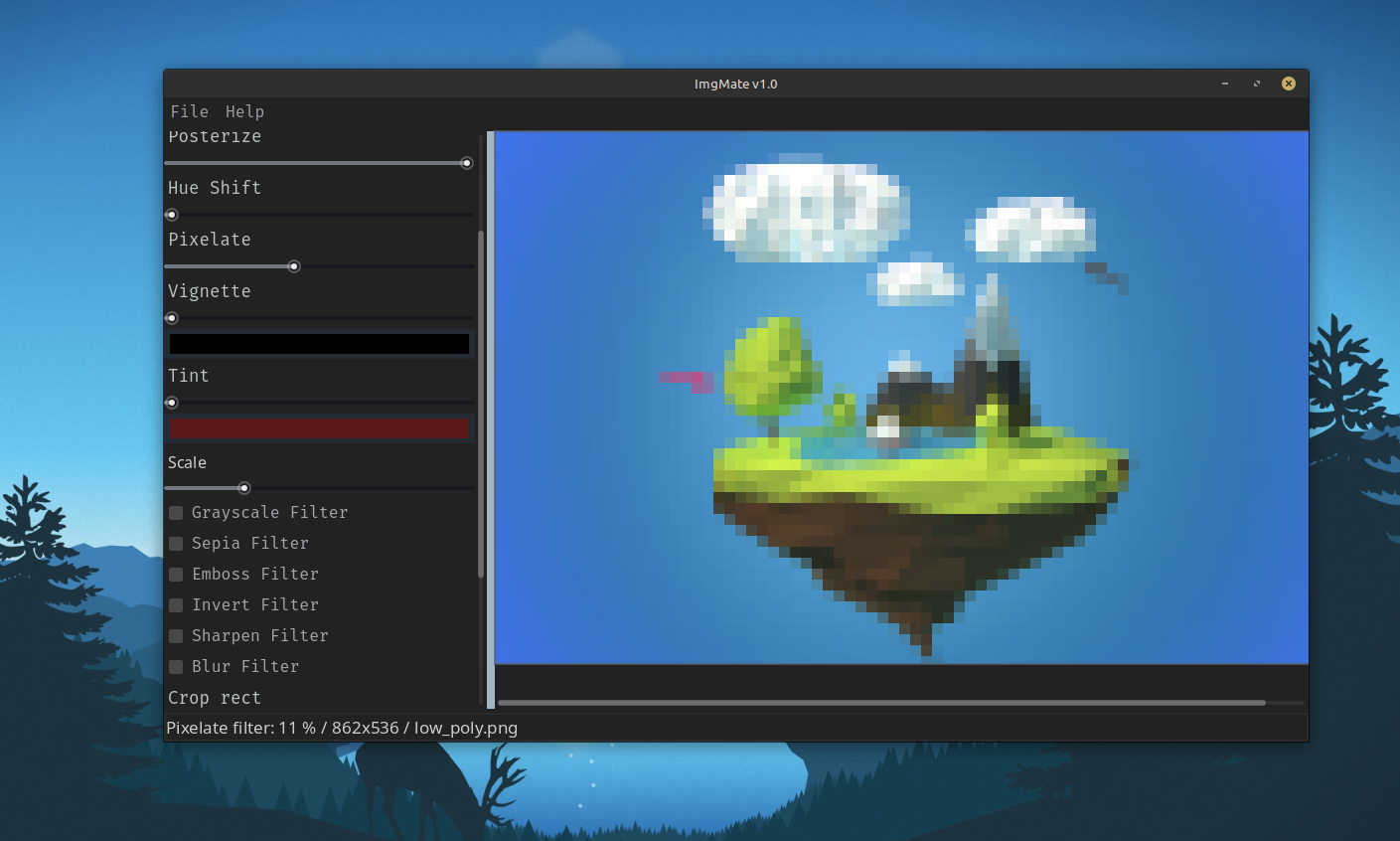
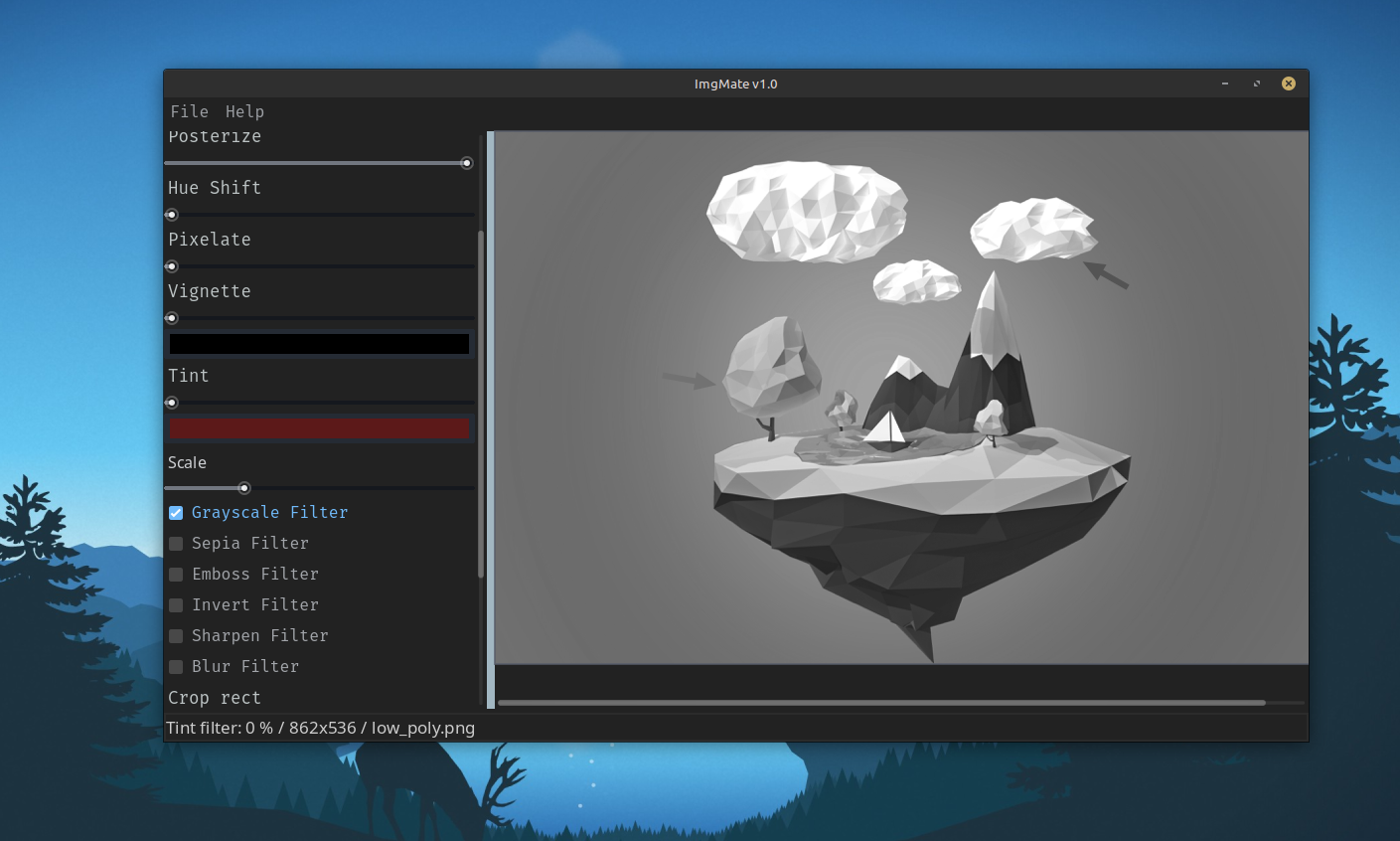
- Real-time Filters – Apply and combine effects instantly:
- Brightness, Contrast, Saturation, Hue Shift
- Grayscale, Sepia, Invert
- Pixelate, Blur, Sharpen, Emboss
- Tint, Vignette, Posterize
- Scale (Lanczos interpolation)
- Undo/Redo – Full history with 100-step limit
- Crop – Interactive rectangle selection or precise numeric input
- Keyboard Shortcuts – Full keyboard workflow support (see table)
- Audio Feedback – Customizable sound effects
- Drag & Drop – Drop images directly onto the window
- Persistent Settings – Audio levels and UI preferences saved between sessions
## Filter Application Order
Filters are applied in this specific order for predictable results:
Scale → Hue Shift → Tint → Grayscale → Vignette → Brightness →
Contrast → Saturation → Emboss → Posterize → Sepia → Invert →
Pixelate → Random Filter → Sharpen → Blur
## Shortcuts
| Action | Shortcut |
|-----------------|------------------|
| New Image | Ctrl + N |
| Open Image | Ctrl + O |
| Save | Ctrl + S |
| Save As | Ctrl + Shift + S |
| Undo | Ctrl + Z |
| Redo | Ctrl + Y |
| Settings | Ctrl + E |
| Close Dialog | Esc |
| Quit Application| Ctrl + Q |
## Supported Formats
| Format | Read | Write |
|--------|------|-------|
| PNG | Yes | Yes |
| JPEG | Yes | Yes |
## System Requirements
| OS | Minimum Requirements |
|---------|-------------------------------------------------|
| Windows | Windows 10 or 11, 4GB RAM, 200 MB free space |
| Linux | Modern distribution, 4GB RAM, 200 MB free space |
## Troubleshooting
**Q: Images won't load?**
A: Ensure the file is a valid PNG or JPEG format.
**Q: Undo/Redo seems slow with large images?**
A: Images over 100MB will show a warning. Consider using smaller images for better performance.
**Q: No sound effects?**
A: Check that the "Sfx" audio bus exists in your Godot project and volume is not muted.
## How to Use
- Linux run: `ImgMate.x86_64`
- Arm run: `ImgMate.arm64`
- Windows run: `ImgMate.exe`
- Web run: `web/index.html`
# ImgMate
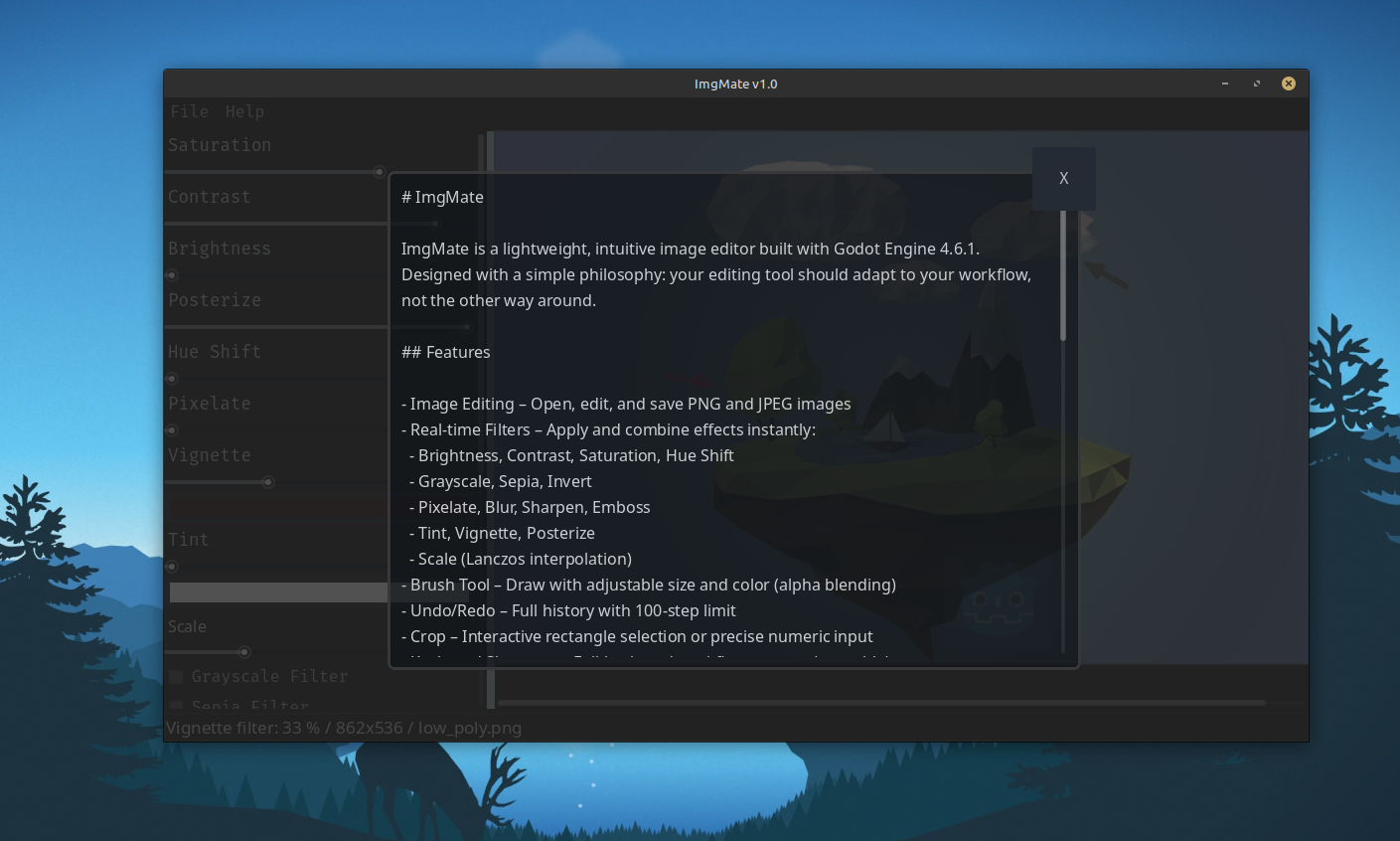
ImgMate is a lightweight, intuitive image editor built with Godot Engine 4.6.1.
Designed with a simple philosophy: your editing tool should adapt to your workflow, not the other way around.
## Features
- Image Editing – Open, edit, and save PNG and JPEG images
- Real-time Filters – Apply and combine effects instantly:
- Brightness, Contrast, Saturation, Hue Shift
- Grayscale, Sepia, Invert
- Pixelate, Blur, Sharpen, Emboss
- Tint, Vignette, Posterize
- Scale (Lanczos interpolation)
- Brush Tool – Draw with adjustable size and color (alpha blending)
- Undo/Redo – Full history with 100-step limit
- Crop – Interactive rectangle selection or precise numeric input
- Keyboard Shortcuts – Full keyboard workflow support (see table)
- Audio Feedback – Customizable sound effects
- Drag & Drop – Drop images directly onto the window
- Persistent Settings – Audio levels and UI preferences saved between sessions
## Shortcuts
| Action | Shortcut |
|-----------------|------------------|
| New Image | Ctrl + N |
| Open Image | Ctrl + O |
| Save | Ctrl + S |
| Save As | Ctrl + Shift + S |
| Undo | Ctrl + Z |
| Redo | Ctrl + Y |
| Settings | Ctrl + E |
| Close Dialog | Esc |
| Quit Application| Ctrl + Q |
## Supported Formats
| Format | Read | Write |
|--------|------|-------|
| PNG | Yes | Yes |
| JPEG | Yes | Yes |
## System Requirements
| OS | Minimum Requirements |
|---------|------------------------------------------|
| Windows | Windows 10 or 11, 200 MB free space |
| Linux | Modern distribution, 200 MB free space |
## How to Use
- Linux run: `ImgMate.x86_64`
- Arm run: `ImgMate.arm64`
- Windows run: `ImgMate.exe`
- Web run: `web/index.html`
Purchase
In order to download this tool you must purchase it at or above the minimum price of $1 USD. You will get access to the following files:
Leave a comment
Log in with itch.io to leave a comment.